• Hi all and welcome to TheWoodHaven2 brought into the 21st Century, kicking and screaming! We all have Alasdair to thank for the vast bulk of the heavy lifting to get us here, no more so than me because he's taken away a huge burden of responsibility from my shoulders and brought us to this new shiny home, with all your previous content (hopefully) still intact! Please peruse and feed back. There is still plenty to do, like changing the colour scheme, adding the banner graphic, tweaking the odd setting here and there so I have added a new thread in the 'Technical Issues, Bugs and Feature Requests' forum for you to add any issues you find, any missing settings or just anything you'd like to see added/removed from the feature set that Xenforo offers. We will get to everything over the coming weeks so please be patient, but add anything at all to the thread I mention above and we promise to get to them over the next few days/weeks/months. In the meantime, please enjoy!

A Student Desk from the 1930s

Dave R

Sapling
Joined
Jul 22, 2014
Messages
320
Reaction score
8


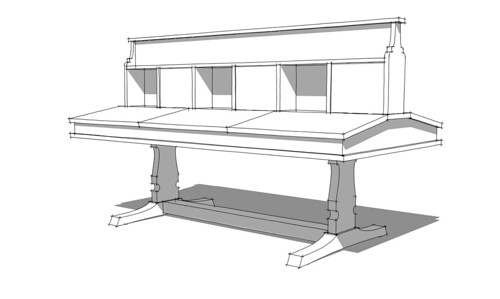
Morning practice. This is based on a student desk by Robert "Mouseman" Thompson. Made in England in the 1930s of oak it was designed to seat three students on each side. There were only three of these desks ever built. Detailing including the signature mouse and joinery still to do.

As with anything you might do in the shop, practice is the way you get better at drawing with SketchUp. I like to pick out an unusual piece of furniture and try to draw it. For those of you using SketchUp, I would highly recommend drawing something on a regular basis. You'll gain more familiarity with the program and develop hand-eye coordination and muscle memory for handling the mouse and navigating the model space.
 
How long did that take you Dave? I reckon I could probably do that in half an hour in autocad.
 
Mike, It certainly wasn't any more than half an hour. Probably less. I got interrupted a couple of times while I was working on it. It isn't a complex model at all.

Why don't you draw it in AutoCAD and show it to us?
 
Dave, When you show things in that sketched style - is that something in the paid version or a paid add on? In other words can I do it for free with the free version and if so how?
 
Hi Robert,

Sure. You can do that with the free version. Well, to an extent. If you look in the Styles window you'll find a drop down menu. There are some sketchy styles included. Choose the appropriate library and click on the thumbnail for the style. There are some modifications available under the Edit tab and some other ways to impact how the style looks. You can get some free styles here. Some of them are ones I've made. There are more styles available here at a low cost.

The style I used for the desk is one I made. To make your own sketchy line styles, you need to use Style Builder which is included in the SketchUp Pro package.
 
Just had a quick play. There is a lot there even in the free version.

What I couldn't work out was how to go back to a vanilla view afterwards! I'm tired after a long drive today so it is probably obvious and one for tomorrow. No harm done as I didn't save anything. Guess I need to understand what styles are a bit better. never tried one before as you can no doubt tell :)

Thanks.
 
There is a lot to play with for sure. Like materials, when you try a style in your model, the style is included in the In Model library. Set the drop down to In Model or click on the little house icon to the left of the drop down menu. Then you can find the original style you started with. Unless you've created a custom style for your default template and not saved it somewhere, you can find the original style in the default Styles library, too.

If you are trying different styles, you'll want to go to the In Model library and purge the unused ones. Otherwise they add to the models file size and there's unneeded clutter in the library.

More on styles in a little bit.
 
I've seen your other thread and can only say thanks again for such comprehensive support.

I'm told I have no set tasks for tomorrow so I'll try some more Sketchup style learning sometime tomorrow.

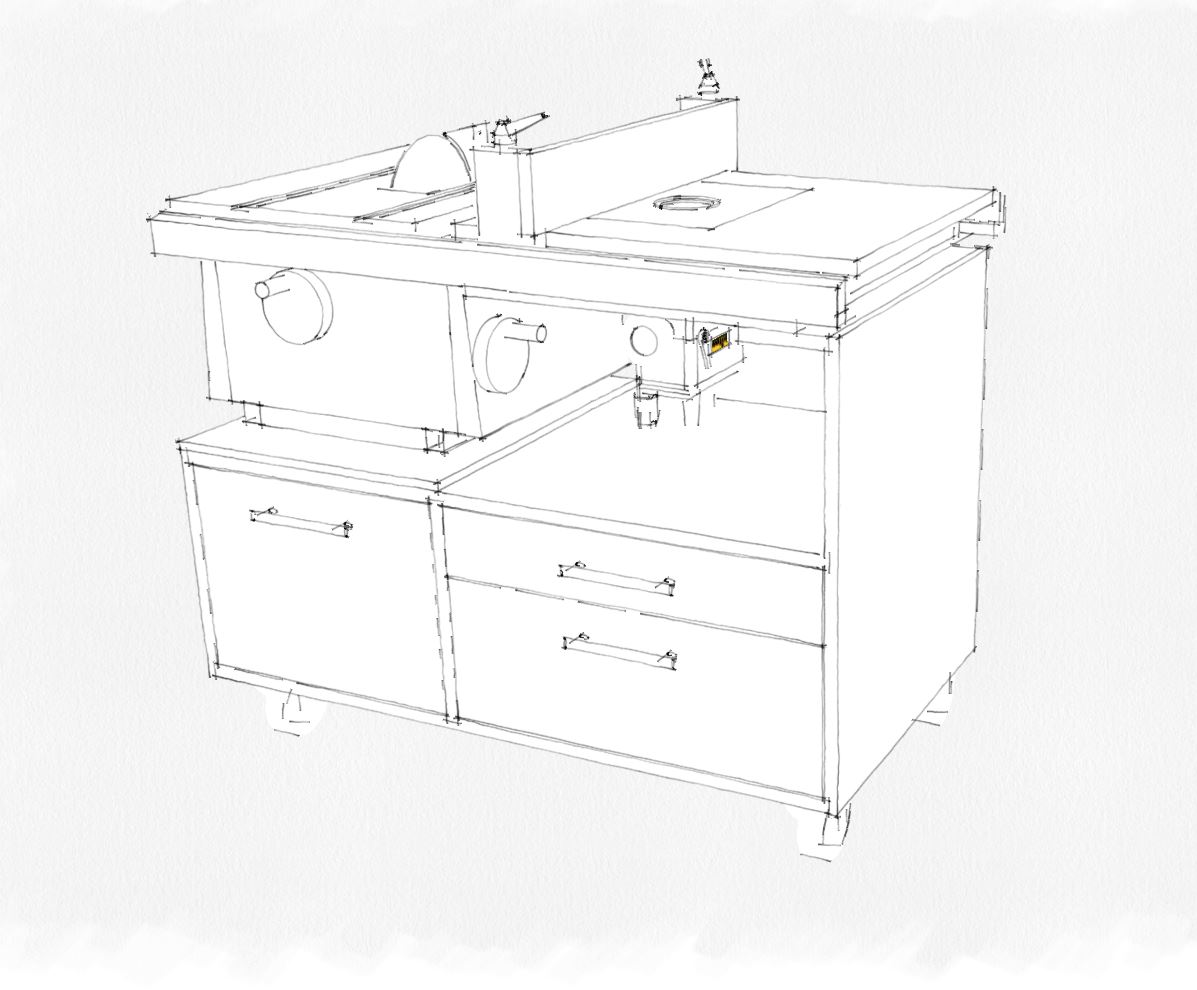
Just loaded the drawing I played with earlier and used one of the 'competition winner' set of styles

style1.JPG


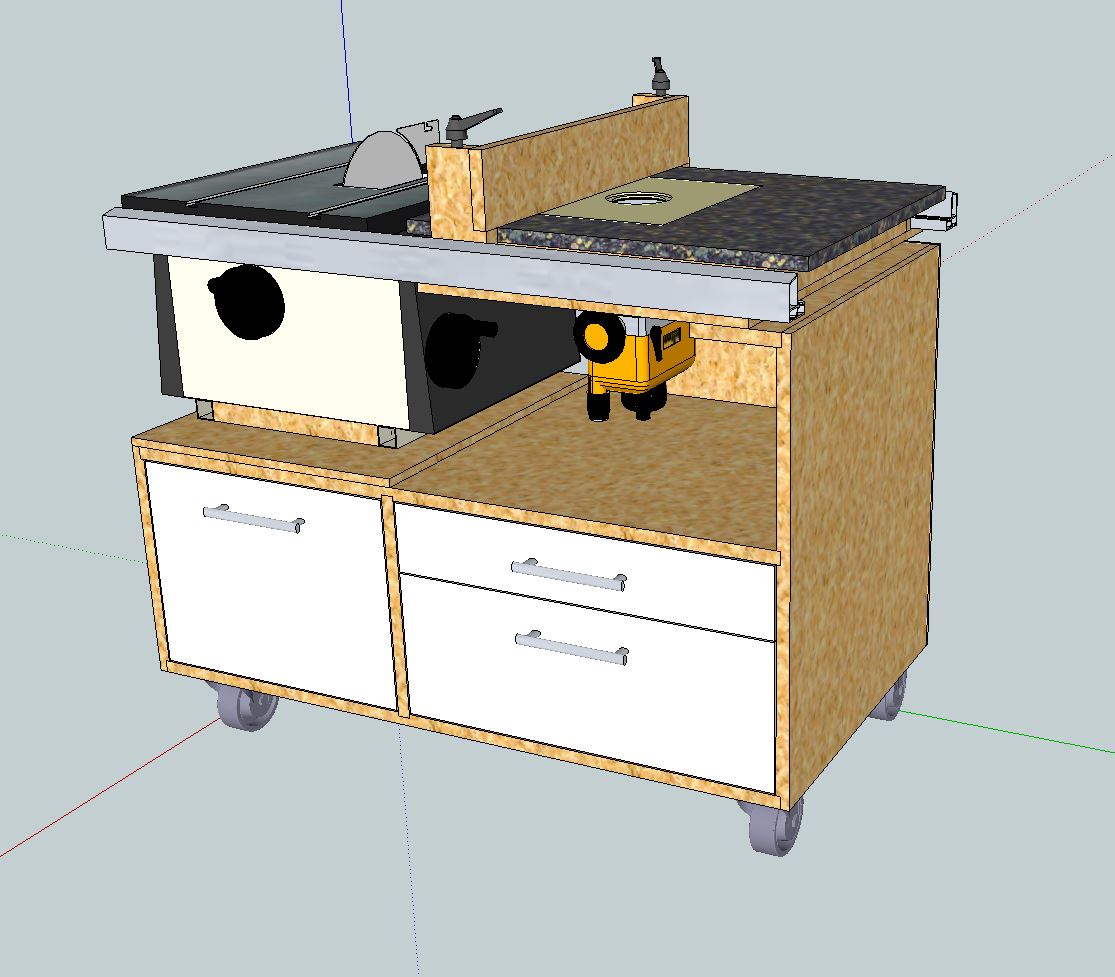
Then I chose the basic style from 'In Model' and got it back to how it looked before

style2.JPG


Progress already :)
 
Back
Top